

Make your own day clearer.
Catch a thought before it goes. Add a date when it matters. Open Now to see what’s ready, and keep going offline in the mobile app.
Make your first list task mafia.
Capture a task on your phone. Hand it to your own connected agent, answer its questions and review the result. You decide when it’s done.
Free to start. On iPhone, iPad, Mac and the web.
Coming soonAndroid · Windows
See an agent take on a task Bring your own agent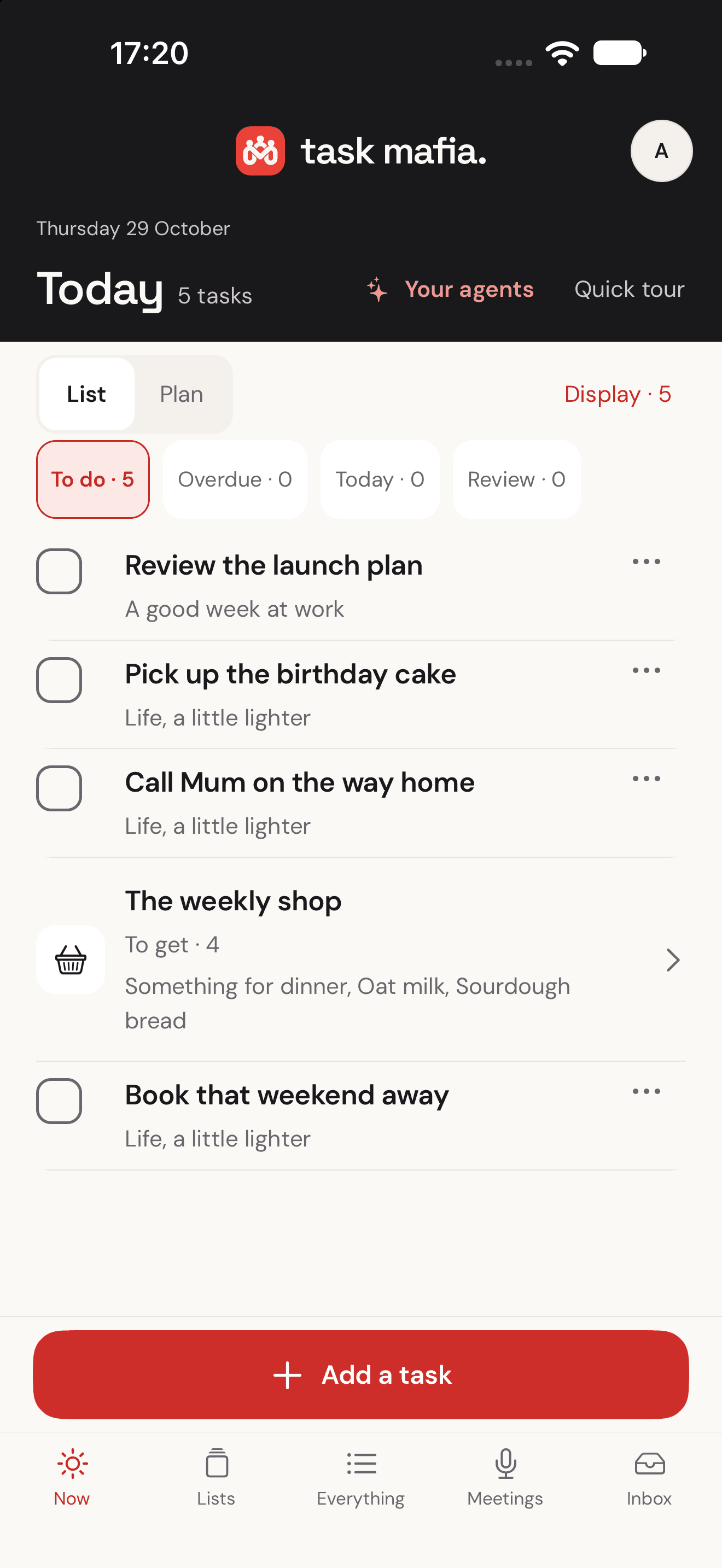
Bring your tasks into the conversation. Choose the lists ChatGPT can access.
Ask for a code review, a work report or a research shortlist. Give your own connected agent the task and the context it needs. A compatible host lets it pick up the job on its next check.
Its questions come back to the task. Your answers stay with the brief. Review what it produces in the original workspace, request changes when needed, and decide when the task is done.
See how your agents join the crewBring your own compatible MCP agent, tools and host schedule. Task Mafia coordinates the handoff; the external host runs the work.
Check sign-in and sharing for the next release. Leave the findings in my GitHub workspace.
Choose a connected agent, or any eligible agent with permission to work on this list.
An example handoff, using fictional tasks. Your real tasks stay private.
The things you want to do deserve room beside the things you have to do. Give each one a place, a next step and the right help.
Catch a thought before it goes. Add a date when it matters. Open Now to see what’s ready, and keep going offline in the mobile app.
Make your first listInvite your people to a list. Add what you need and check it off as you go. Someone joining on the web can help straight away.
See a shared listBrief your own connected agent, answer its private questions and review what comes back. The task keeps the context; your agent works with its own tools.
Explore agent handoffsThe shopping, the birthday plans, the jobs around the house. Put the details where your people can find them, instead of carrying the whole list in your head.
Share a whole list or just one task. Choose what each person can do. They can join from their browser, even before installing the app.
Start a shared listA code review, a work report or research for a decision: give your agent a clear outcome. Keep its questions and your review with the task, while the work happens in its existing workspace.
See how people and agents share a task“Work launch” and “Family shopping” have different contexts. List descriptions help your agent put new items in the right place.
Grant selected lists and specific permissions. New tasks arrive directly; suggestions to change existing tasks stay reviewable.
Review what your agent brings back and decide when the task is done. Revoke the connection from your account whenever you need to.
Requires a compatible MCP client. Your external agent supplies its own AI, tools and any checking schedule. Enable work permission and choose Get help on a task to delegate it.
A satisfying check. Optional sound and haptics on mobile. An Undo when you need it. Small moments that make working through your list feel good.
Tap a task. Try a little “done”.
Tap to listen. Your media volume controls the sound.
Make room for what matters today.
Interactive website example. Your own tasks stay untouched.
Start with Free, including sharing with your people. Choose Crew when your plans need more space.
£0
For everyday plans and a shared list or two.
£0.99 / month
Or £7.99 a year, billed annually.

UK App Store subscription prices shown; local prices vary. Crew is purchased in the mobile app and applies to the same account on Mac and the web. Subscriptions renew automatically unless cancelled through your store. Terms
Use an agent you already work with, with its own tools and workspace. Task Mafia keeps the brief, private questions and review with the task. A compatible host supplies execution and scheduling; you choose its list access and decide when the work is complete.
Yes. Free includes 3 lists, 100 active tasks and 1 connected agent. Sharing with your people is included. Crew increases those limits when you need more space.
Your crew can join and manage shared tasks in a phone or desktop browser. Use the same account on the web and in the app, and accept an invitation with the email it was sent to.
Connect a compatible MCP client, sign in and choose the lists it can access. Your agent can read context, add tasks directly and suggest changes for review, according to the permissions you give it. Your external agent supplies the AI and execution tools.
A connection does not create a running agent. Your external agent provides its own tools and schedule. Enable work permission for a connection, then explicitly delegate a task. On its next scheduled check, your agent can assess the task, ask a private question and return work for your review.
The mobile app opens saved tasks immediately and saves everyday task changes on your device. Those changes sync when you reconnect. Sharing and account controls need a connection. The web workspace needs an internet connection for changes.
The Android app is coming soon. You can use the full web workspace from your Android browser today.
The native Mac app is available on the Mac App Store for macOS 13 or later. Windows is coming soon. You can also use the full web workspace in your desktop browser with the same account, tasks and lists.
Your store subscription stays active until its current paid period ends. Your account then returns to Free. Manage or cancel the subscription through the store where you bought it.
Your next plan can start with one small task.
Available on iPhone, iPad, Mac and web. Android and Windows apps coming soon.