
One account. The plans you already have.
Your shopping list, weekend plans and work do not need a fresh start when you change devices. Sign in to the same Task Mafia account on iPhone, iPad, Mac or the web to find your existing tasks and lists. Sharing and agent access keep the choices you have already made.
People joining your crew can use a browser too. A shared list does not require everyone to own the same device or install an app.
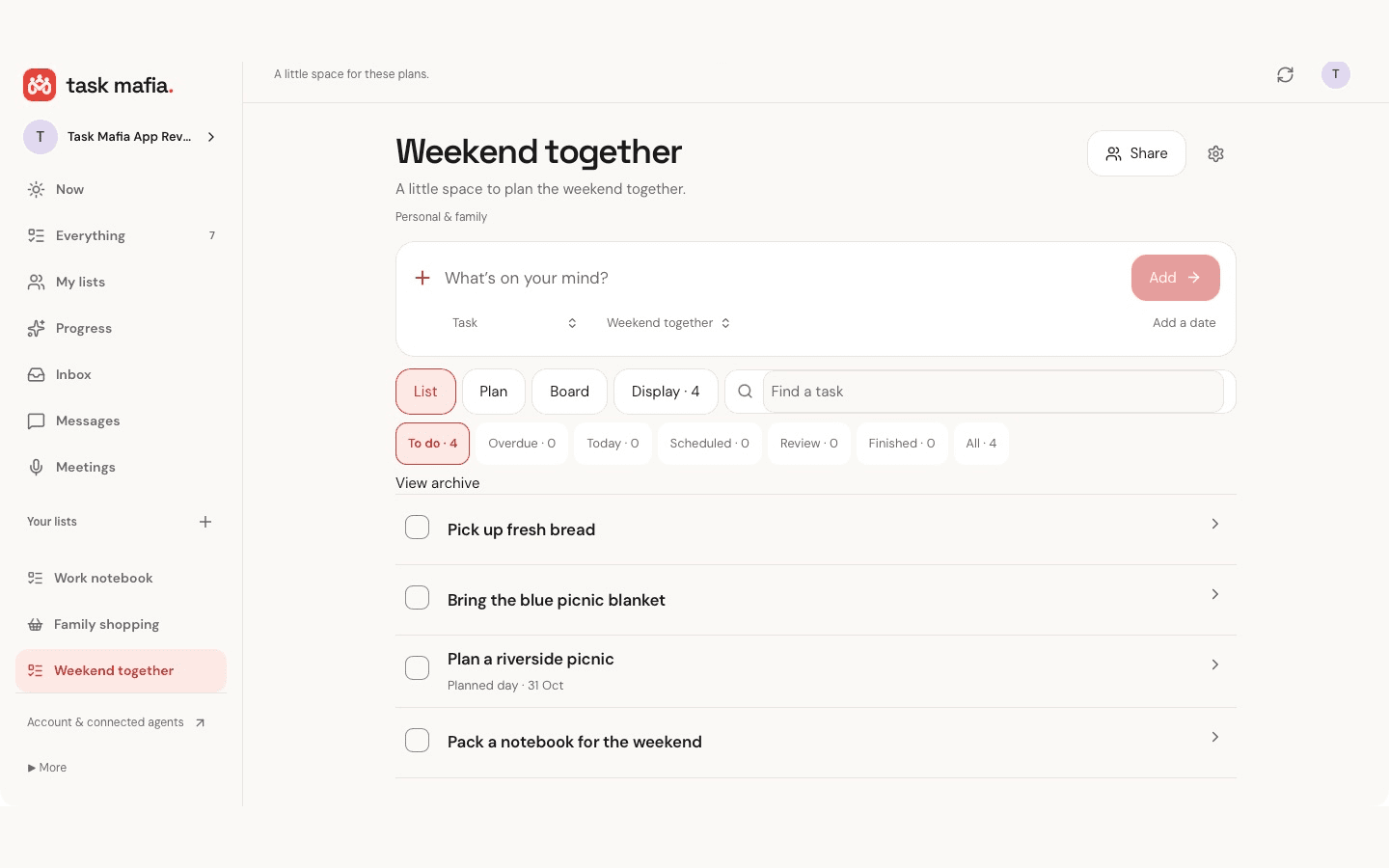
A little more room to work.
The native Mac companion brings your lists to the desktop, with keyboard shortcuts, Week and Month planning, light and dark appearance, and larger-text controls. It requires macOS 13 or later.
You can also record a meeting with everyone’s permission, play it back and transcribe it with the bundled on-device speech model. Audio stays on that Mac. Completed transcript text syncs to your private account by default; Meeting settings let you turn transcript sync and agent processing off separately. Older local transcripts need your separate choice before inclusion.
The Mac app is a free companion. An existing Crew entitlement follows your account; the Mac app has no in-app purchases. Ordinary tasks and lists work without connecting an agent.
Your agent. Your workspace. Your final say.
A project review, a report or research for a decision can start as a brief on your phone or Mac. Give an eligible connected agent a clear job, answer its private questions and review what comes back. You decide when the task is complete.
Your external agent supplies its own AI, tools, workspace and schedule. Connecting a client alone does not start a worker. Choose its list access, enable work permission and explicitly delegate the task. Task Mafia provides coordination, with no hosted AI or AI credits.
See how an agent handoff works or start with everyday tasks and shared lists.
Give your next task a home.
Download the iPhone and iPad app or the new Mac app from the App Store. On Mac, choose Sign in, approve the matching code in your browser and return to the app. Use your existing account to pick up your lists.


All download and sign-in options · Start free on the web · Get help
This launch guide is in English. Website navigation and the apps offer bundled language choices. Features and screens vary by installed app version.